Small Business Cybersecurity Checklist 2025: 50 Controls Every SMB Needs
Cybersecurity is no longer optional for small businesses. In 2025, attackers automate phishing campaigns, scan for unpatched cloud apps within minutes of disclosure, and increasingly target organizations with fewer than 250 employees because defenses are lighter and payouts are still meaningful. The good news: most breaches still start with a small handful of preventable gaps.
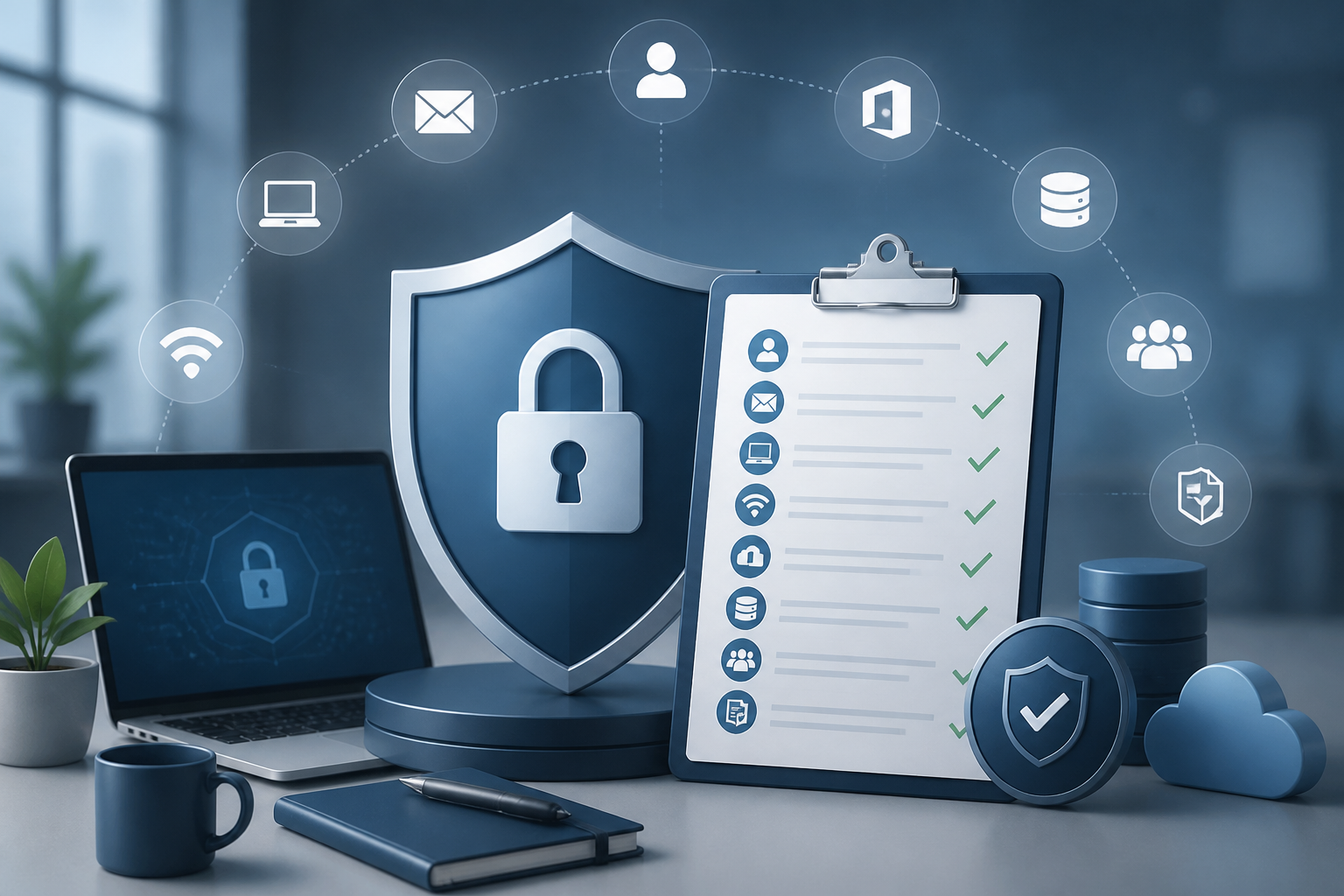
This checklist walks through every layer a small business should harden this year — identity, email, endpoints, network, backups, and people. Use it as a self-audit, a vendor scorecard, or a starting point for a conversation with your IT partner. Each item is something a competent provider can implement in days, not months.
1. Identity & Access — Lock the Front Door
More than 80% of breaches involve stolen or weak credentials. Identity is the new perimeter; treat it that way.
- Enforce multi-factor authentication (MFA) on every account — email, VPN, banking, payroll, and admin portals. Prefer authenticator apps or hardware keys over SMS.
- Disable legacy authentication protocols in Microsoft 365 and Google Workspace (POP, IMAP, basic auth) — these bypass MFA.
- Use single sign-on (SSO) wherever possible so offboarding closes every door at once.
- Apply Conditional Access policies that block sign-ins from unexpected countries and require compliant devices.
- Audit admin accounts quarterly. Remove standing global admin rights; use just-in-time elevation instead.
- Require strong, unique passwords through a company-managed password manager — not browser autofill.
2. Email Security — Stop the #1 Attack Vector
Phishing and business email compromise (BEC) remain the most common way attackers get in. Email hardening is the highest-ROI control you can deploy.
- Publish SPF, DKIM, and DMARC records — set DMARC policy to p=quarantine or p=reject once aligned.
- Turn on advanced phishing and impersonation protection in Microsoft 365 Defender or Google Workspace.
- Block auto-forwarding to external domains — a classic post-compromise tactic.
- Add external-sender banners so users instantly see when a message originates outside the company.
- Block or quarantine high-risk attachment types (.html, .iso, .js, .lnk, password-protected zips).
- Run quarterly simulated phishing tests and track click rates by department.
3. Endpoint Protection — Beyond Antivirus
Traditional antivirus catches commodity malware but misses modern ransomware and living-off-the-land attacks. Every laptop, desktop, and server needs endpoint detection and response (EDR).
- Deploy a managed EDR or XDR platform with 24/7 monitoring — not just signature-based AV.
- Enable disk encryption (BitLocker on Windows, FileVault on macOS) on every endpoint.
- Patch operating systems within 14 days of release and third-party apps within 30 days.
- Restrict local admin rights — users should not install software at will.
- Enforce screen lock after 10 minutes and automatic device wipe after failed unlock attempts on mobile.
- Maintain an asset inventory so you know exactly which devices touch company data.
4. Network & Wi-Fi — Segment, Don't Flatten
A flat network means one compromised device can reach everything. Even a small office benefits from basic segmentation.
- Separate guest Wi-Fi from the corporate network on its own VLAN.
- Put IoT devices (cameras, printers, smart TVs, thermostats) on an isolated VLAN with no access to file shares.
- Replace consumer-grade routers with business firewalls that support content filtering and intrusion prevention.
- Disable WPS, UPnP, and remote admin on all network gear.
- Use a business VPN or zero-trust access (ZTNA) for remote workers — never expose RDP to the internet.
- Review firewall rules and open ports at least twice a year.
5. Microsoft 365 & Cloud Apps — Configure the Defaults
Out-of-the-box Microsoft 365 and SaaS settings are designed for compatibility, not security. A baseline hardening pass closes most of the gaps attackers exploit.
- Enable Microsoft Secure Score and aim for 70%+ — it's a free, prioritized roadmap.
- Turn on mailbox auditing and unified audit log retention (minimum 1 year).
- Restrict external sharing in SharePoint and OneDrive to specific domains, not 'anyone with the link'.
- Block third-party OAuth app consent — require admin approval for new app integrations.
- Enable Microsoft Defender for Office 365 Safe Links and Safe Attachments.
- Review sign-in logs monthly for impossible-travel and risky sign-ins.
6. Backup & Disaster Recovery — Assume You'll Be Hit
Ransomware groups specifically hunt and delete backups before encrypting production data. A backup you cannot verify and restore is not a backup.
- Follow the 3-2-1-1-0 rule: 3 copies, 2 media types, 1 offsite, 1 immutable, 0 errors after a test restore.
- Use immutable or air-gapped backups for Microsoft 365 mailboxes, SharePoint, OneDrive, and Teams — Microsoft's native retention is not a backup.
- Test full restores at least quarterly. A backup that has never been restored is a hope, not a plan.
- Document a Recovery Time Objective (RTO) and Recovery Point Objective (RPO) for each critical system.
- Keep backup credentials out of the primary domain — separate identity prevents one breach from killing both.
7. People & Process — The Layer That Always Wins
Technology stops most attacks; trained people stop the rest. A 15-minute monthly habit beats an annual two-hour video nobody remembers.
- Run continuous security awareness training — short, frequent, role-specific.
- Document an incident response plan with named owners, contact numbers, and decision rights. Print it; a ransomware event takes down chat.
- Establish a written wire-transfer verification process (callback to a known number) to defeat BEC fraud.
- Maintain a vendor risk inventory — your security is only as strong as the SaaS apps holding your data.
- Carry cyber insurance and review the policy's required controls annually; many claims are denied for missing controls the business already promised it had.
8. Compliance & Governance — Prove It
Whether you handle PHI, cardholder data, or client financials, regulators and customers increasingly want documented proof — not promises.
- Map which data you collect, where it lives, and who can access it.
- Maintain written information security policies (acceptable use, access control, incident response, backup, BYOD).
- Conduct an annual risk assessment and remediate findings on a tracked plan.
- Keep evidence — screenshots, audit logs, training completion reports — for at least 12 months.
- Align to a recognized framework (CIS Controls v8, NIST CSF 2.0, or HIPAA Security Rule) appropriate to your industry.
Quick Self-Scoring
Count how many of the items above your business has fully implemented:
- 40–50 items: Strong posture. Focus on testing, drills, and continuous improvement.
- 25–39 items: Average for a small business. Prioritize identity, EDR, and immutable backups first.
- Under 25 items: High exposure. A single phishing click could be a multi-day outage. Get help.
Frequently Asked Questions
How much should a small business spend on cybersecurity in 2025?
A reasonable benchmark is 8–12% of overall IT spend, or roughly $75–$150 per user per month for a fully managed security stack (EDR, email security, backup, identity protection, awareness training, monitoring). Spending less usually means assuming risk silently rather than eliminating it.
Do we really need MFA on every account?
Yes. Microsoft reports that MFA blocks over 99.2% of automated account-takeover attacks. The accounts most often left without MFA — shared mailboxes, service accounts, and 'just the owner' logins — are exactly the ones attackers target first.
Is Microsoft 365's built-in security enough?
Microsoft 365 includes excellent security tooling, but most of it is off by default or requires the right license tier. A Business Premium subscription correctly configured (Conditional Access, Defender for Office 365, Intune device compliance, Safe Links, audit logging) covers the majority of small-business needs. The gap is configuration and monitoring, not the platform.
How often should we test our backups?
At minimum quarterly for a full restore test, and monthly for spot-checks of individual files and mailboxes. Document the test — the date, who ran it, what was restored, and how long it took. That documentation is often required by cyber insurance carriers.
What's the single biggest mistake small businesses make?
Treating cybersecurity as a product purchase instead of an ongoing operation. Buying an EDR tool and never reviewing alerts, enabling MFA but exempting executives, taking backups that nobody has ever restored. Attackers exploit the gap between 'we have it' and 'it actually works'.
We're too small to be a target — right?
This is the most expensive myth in small-business IT. Modern attacks are automated and indiscriminate. Verizon's 2024 DBIR found that small businesses now make up the majority of ransomware victims because they are easier to breach and more likely to pay. Size is not a defense.
Next Steps
Cybersecurity in 2025 is no longer a one-time project — it is an operating discipline. The businesses that handle it well treat security the same way they treat accounting: monthly closes, quarterly reviews, an annual audit, and a partner who owns the work end-to-end.
If you'd like a no-pressure walkthrough of this checklist against your current environment, NerdTeck offers a free cybersecurity baseline review for South Florida businesses. We benchmark your stack against this list, score your Microsoft Secure Score, and hand you a prioritized roadmap — no contract required.
About NerdTeck
NerdTeck is a Miami-based managed service provider delivering IT support, cybersecurity, Microsoft 365, connectivity, and low-voltage security to small and midsize businesses across South Florida since 2009. We work with companies of 10–250 employees on flat per-user monthly pricing, with most tickets answered in under 15 minutes during business hours. Talk to our team.