On-Site vs. Remote IT Support for Small Business: Which Model Actually Works
For a small business, IT support isn't a luxury — it's the backbone of modern business success. When a laptop won't connect, a printer stops mid-invoice, or Microsoft 365 locks a user out an hour before payroll runs, every minute of downtime costs real money. The question most South Florida owners ask us is simple: should we use remote IT support, on-site IT support, or a mix of both?
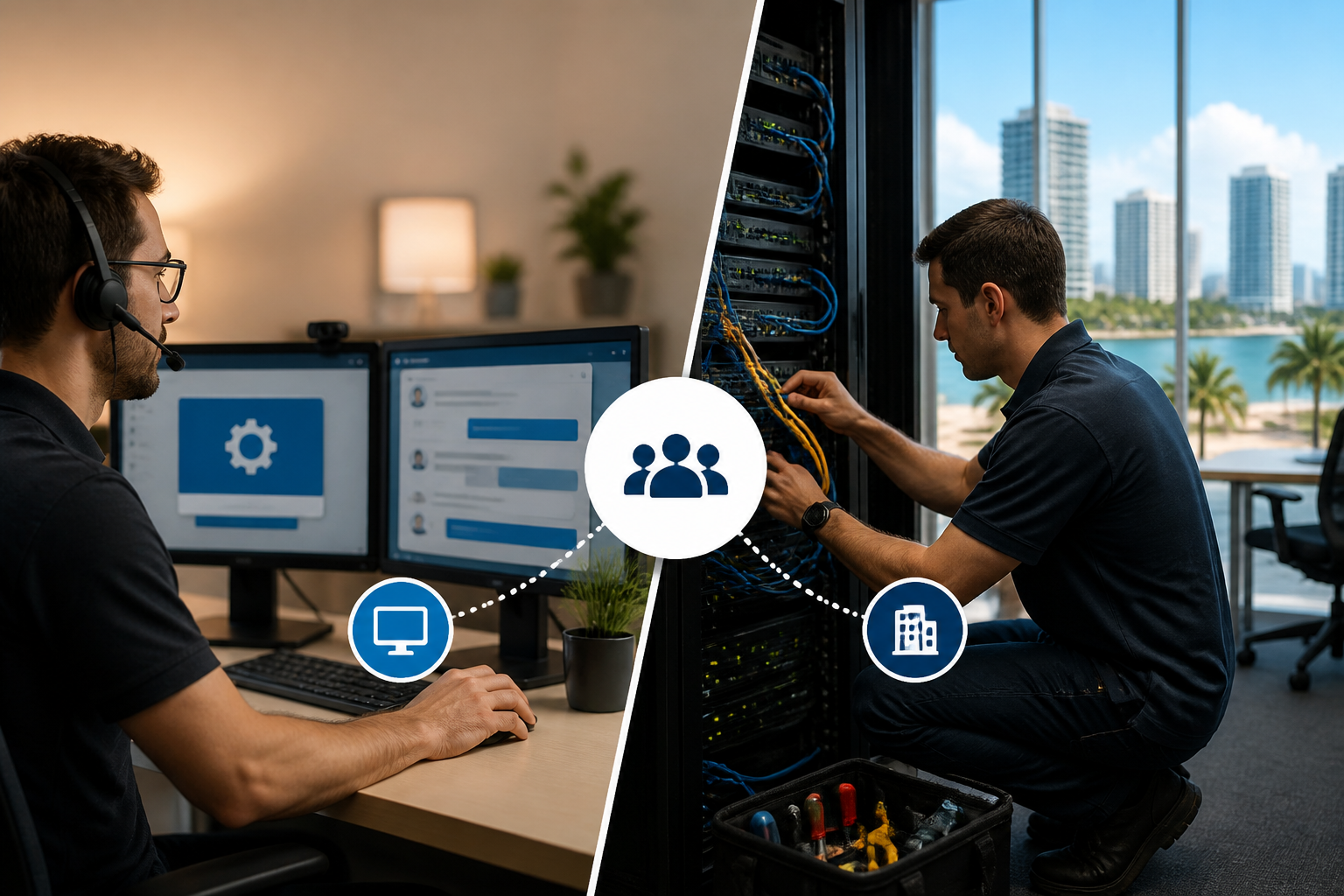
The honest answer for almost every small business is: both, but weighted heavily toward remote. Here's how the two models compare, when each one wins, and why the hybrid approach NerdTeck uses lets a growing business move fast without paying for a full-time technician on staff.
What remote IT support actually covers
Remote IT support is help delivered over the internet. A technician connects to your computer or server through a secure remote-access tool, sees the screen, and fixes the problem in real time. Modern remote tools also let us patch software, deploy updates, enforce security policies, monitor performance, and respond to alerts across every device on your network — usually before a user even notices something is off.
For a typical small business, roughly 80–90% of daily issues are fully solvable remotely: password resets, printer queues, Outlook profile repairs, VPN reconnects, application crashes, endpoint patching, Microsoft 365 licensing changes, backup checks, and cybersecurity alerts. Because the technician doesn't drive anywhere, response time is measured in minutes instead of hours.
Where on-site IT support is still the right call
There's a class of work software can't touch. Anything physical — running network cable, swapping a failed drive, replacing a firewall or wireless access point, standing up a new workstation, wiring a conference room, cutting over an internet circuit — needs a technician on the ground. On-site is also the right answer when a network is fully offline (no remote path in), when a new office is being built out, or when a leadership team wants a face-to-face review of their environment.
The tradeoff is speed and cost. Windshield time between Miami-Dade and Broward is real, and a technician sitting in traffic can't help the next ticket in the queue. That's why on-site alone is an expensive way to run IT for a business under about 75 users.
On-site vs. remote IT support: a side-by-side
Speed: remote wins. A remote session usually starts within minutes; a truck roll is measured in hours. Cost: remote wins, because it scales without mileage or drive time. Coverage: remote wins for software, accounts, security, and monitoring — the majority of daily tickets. Hardware and cabling: on-site wins, always. New office builds and physical security work: on-site wins. Executive relationship and quarterly strategy reviews: on-site adds value even when nothing is broken.
Why a hybrid model is the right fit for most small businesses
A pure remote-only provider will leave you stuck the day a switch dies. A pure on-site provider will overcharge you every time someone forgets a password. The model that actually works for a 10–75 person business is remote-first with on-site as a planned extension of the same team.
That's how we structure [managed IT at NerdTeck](/services/managed-it): unlimited remote support included in the monthly plan so your team can call, chat, or email without watching the clock, plus discounted on-site rates when a job genuinely requires hands on hardware. You get the fastest possible response for the 85% of tickets that are software or account issues, and predictable pricing for the 15% that need a technician in the building. Full pricing detail lives on our [managed IT pricing page](/managed-it-pricing).
How to choose the right mix for your business
A few practical signals help you decide how heavily to lean on remote support:
1. Team size and locations. Under 25 users in one office almost never justifies a dedicated on-site technician. Multiple locations across South Florida make remote coverage even more valuable, because one team covers every site without travel.
2. Type of work. Heavy hardware environments — warehouses, medical imaging, manufacturing — need more on-site hours than a professional-services office of the same size.
3. Security posture. Remote support providers should already be managing your endpoint protection, patching, MFA, and backup posture continuously. If your current provider only shows up when something breaks, you're paying for reactive on-site work instead of proactive remote management. Our [cybersecurity](/services/cybersecurity) team runs those controls as part of the standard remote stack.
4. Response-time expectations. If your business genuinely cannot tolerate more than 15 minutes of downtime on a common issue, remote-first is the only model that hits that number consistently.
What to ask any IT provider you're evaluating
Ask what percentage of their tickets are resolved remotely, what their average remote response time is during business hours, whether on-site visits are billed at a discounted rate for managed clients or full retail, and what monitoring runs 24/7 on your endpoints and network. Providers who can't answer those cleanly are usually leaning on on-site hours as their business model — which means you pay for their drive time.
The takeaway
Remote IT support is the fastest and most cost-effective way to run day-to-day support for a small business. On-site is essential for hardware, cabling, and new-site work. The businesses that get IT right pair the two — unlimited remote as the default and a local team ready to roll a truck when the job actually needs one. If you'd like to see how that hybrid model would look for your team, [reach out](/contact) and we'll walk through your environment.
About NerdTeck
NerdTeck is a Miami-based managed service provider delivering IT support, cybersecurity, Microsoft 365, connectivity, and low-voltage security to small and midsize businesses across South Florida since 2009. We work with companies of 10–250 employees on flat per-user monthly pricing, with most tickets answered in under 15 minutes during business hours. Talk to our team.